
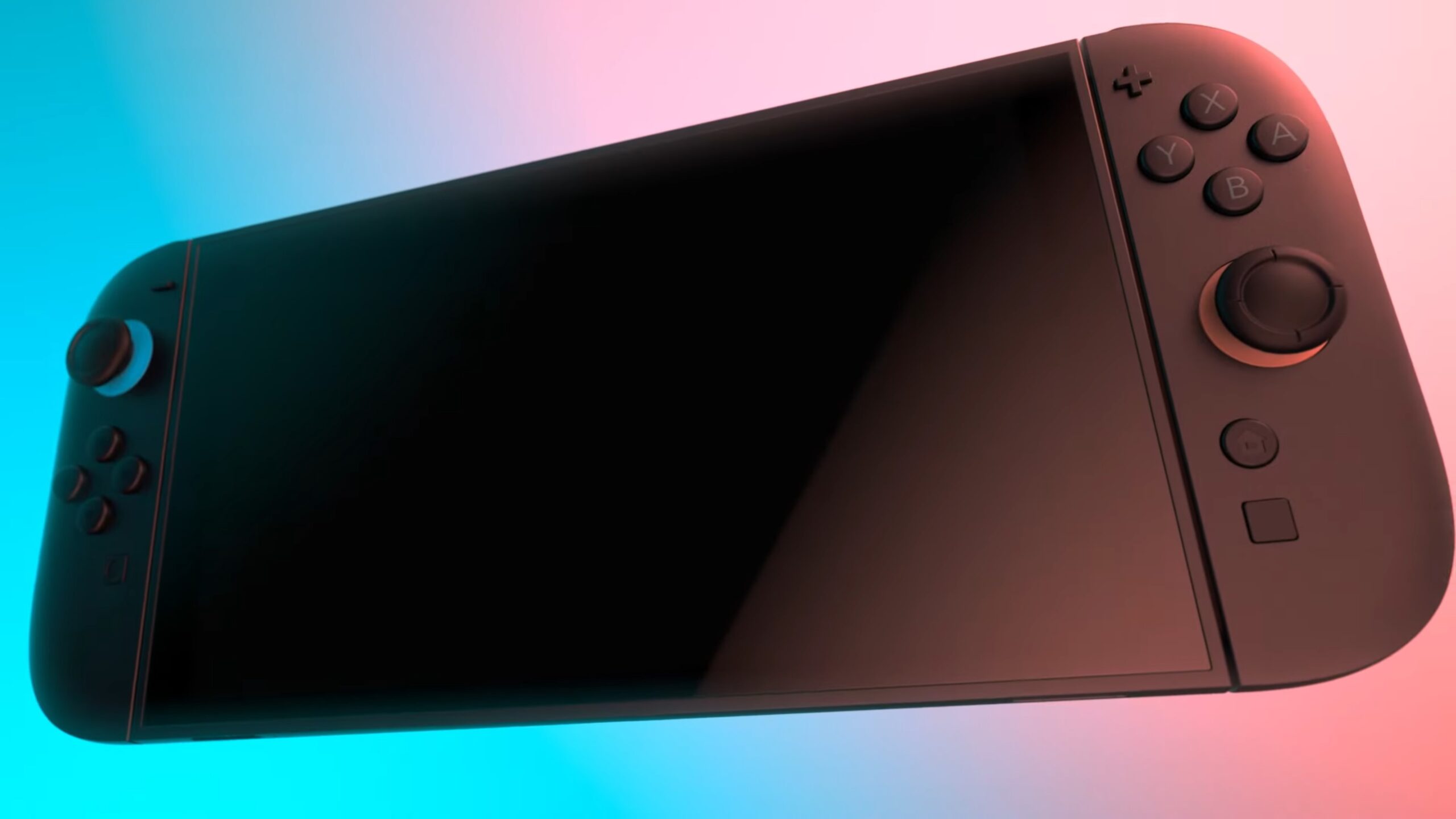
The Nintendo Switch 2 has been generating buzz, and one of its intriguing features is the Handheld Boost Mode. This mode is designed to enhance performance when the console is used in handheld mode, allowing for smoother gameplay and improved graphics. For players eager to get the most out of their gaming experience, enabling this feature is straightforward.
To activate Handheld Boost Mode, head into the settings menu on your Switch 2. You’ll find an option specifically for performance settings, where you can toggle the Handheld Boost Mode on or off. This mode automatically optimizes your games, pushing the hardware to deliver better frame rates and stability while you’re on the go. It reflects Nintendo’s understanding of how players enjoy their portable experiences.
As you might expect, the benefits will be most noticeable in more graphically intensive games or those that previously struggled to maintain a steady performance while being played handheld. The improvement in visuals and performance can make a notable difference, particularly during high-action sequences.
It’s worth keeping in mind that the Switch 2 is built with versatility in mind, allowing for powerful gaming experiences whether docked or handheld. So if you’re looking to squeeze every ounce of performance from your games while on the move, giving the Handheld Boost Mode a try is definitely worth it. This feature is just another example of how Nintendo continues to evolve its hardware to better meet the needs of its gaming community.
Source: videogameschronicle.com